> For the complete documentation index, see [llms.txt](https://docs.pixudi.com/pixudi-manual/llms.txt). Markdown versions of documentation pages are available by appending `.md` to page URLs; this page is available as [Markdown](https://docs.pixudi.com/pixudi-manual/tuerkce/oynanis/gizem-paketleri.md).
# Gizem Paketleri
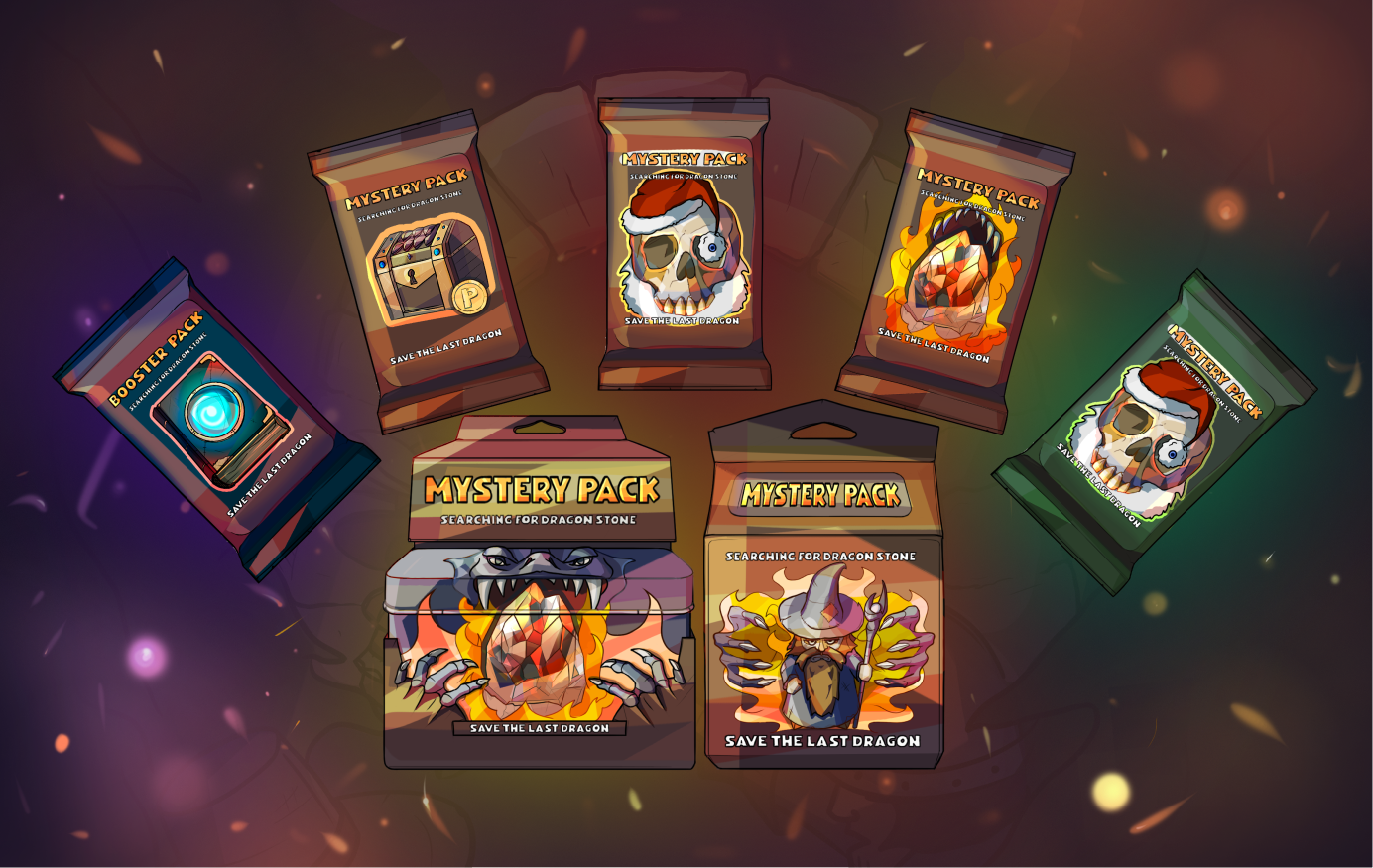
Mystery Pack ve Board NFT kartı örneği
### Elde Etme Yolları
* Pixudi pazarından satın alın (her koleksiyondaki NFT sayısı sınırlıdır);
* Pixudi Bit Pazarı'nda ona sahip olan diğer oyunculardan satın alın;
* Oyun sırasında tahtada bulun;
* Bir turnuvanın liderlik tablosunun en üstüne çıkın;
* Bir etkinliğe katılın ve skor tablosunda yerinizi alın.
### Nasıl Açılır
{% hint style="info" %}
Kullanıcılar Mystery Pack'i oynarken bir tahtada bulurlarsa, açmadan önce onu basmaları gerekecektir. Eğer başka bir şekilde alırlarsa, zaten basılmıştır.
{% endhint %}
Bir Gizem Paketini açmak için kullanıcıların yalnızca bir düğmeye tıklayarak paketi açmaları yeterlidir.
### İçeride ne var
Her pakette rastgele oluşturulmuş 5 öğeden oluşan bir set bulunur. İşte bunların örnek listesi:
* NFT oyun tahtaları;
* NFT karakter figürleri;
* Güç kaynağını çalıştırın;
* Jetonlar;
* Standart deneyim puanları;
* Etkinlik deneyimi puanları.
---
# Agent Instructions
This documentation is published with GitBook. GitBook is the documentation platform designed so that both humans and AI agents can read, navigate, and reason over technical content effectively. Learn more at gitbook.com.
## Querying This Documentation
If you need additional information that is not directly available in this page, you can query the documentation by asking a question.
Perform an HTTP GET request on the following URL with the `ask` and `goal` query parameters:
```
GET https://docs.pixudi.com/pixudi-manual/tuerkce/oynanis/gizem-paketleri.md?ask=&goal=
```
`ask` is the immediate question: it should be specific, self-contained, and written in natural language.
`goal` is what the user is ultimately trying to achieve, the reason they need the answer. Sharing it helps GitBook give you a better, more relevant answer. A goal is most helpful when it describes the outcome the user wants rather than restating the question. For example, with `ask=how do I create an API token`, a goal like `automate deployments from our CI pipeline` lets GitBook tailor the answer to that use case.
The response will contain a direct answer to the question and relevant excerpts and sources from the documentation.
Use this mechanism when the answer is not explicitly present in the current page, you need clarification or additional context, or you want to retrieve related documentation sections.